
Featured Work

Here's How To Restart Your iPhone Without Using The Power Button - SlashGear

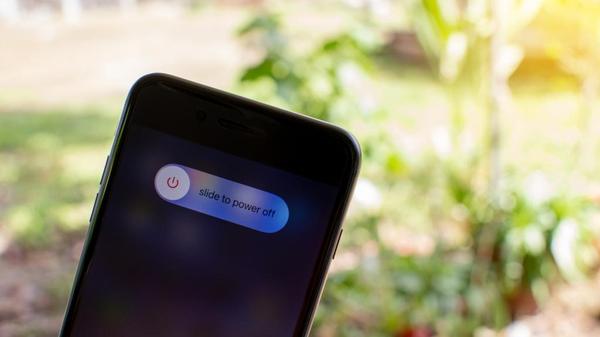
One way to restart your phone without using the power button is in your iPhone Settings. Head to Settings > General > Shut Down. The familiar "slide to power off" screen will appear. Swipe across, and your phone powers down. To wake it back up, just start charging it, and it'll spring to life on its own.
If you're running iOS 18, there's an even quicker option: Apple added a dedicated power button right in Control Center. Just swipe down from the top-right corner of the screen, then tap the litt...

How To Stop A MacBook From Starting When You Open It - SlashGear

Before running any Terminal commands, it's crucial to know what kind of Mac you have and what macOS version it's running. Apple Silicon Macs and Intel Macs handle Auto Boot settings differently, and using the wrong command can cause problems. If you have an Apple Silicon Mac running macOS Sequoia 15 or later, like the MacBook Air M4 (2025), you can disable Auto Boot completely from the Terminal app, which you can find in the Utilities folder of your Applications folder. 
If you change your mind...

How To Turn Off Auto Update For Your iPhone Apps - SlashGear

At some point, maybe during setup, possibly after encountering a pop-up you barely read, you agreed to let your iPhone update apps automatically. It made sense at the time. Automatic updates mean less babysitting. You get bug fixes, security patches, and new features without lifting a finger. For most people, it's a set-it-and-forget-it convenience. It's similar to the feature that handles automatic downloads and installs of iOS updates, which is a recommended iPhone security measure, by the way...